How to Optimize Your Google Business Profile for More Leads
Your Google Business Profile is one of the most powerful tools for getting found locally. Here’s how to optimize it to rank higher, get more calls, and bring in consistent leads.
GET A FREE QUOTE!
Tell us a little about your business and some of your recent struggles online.
Typical Response Time: Under 24 Hours
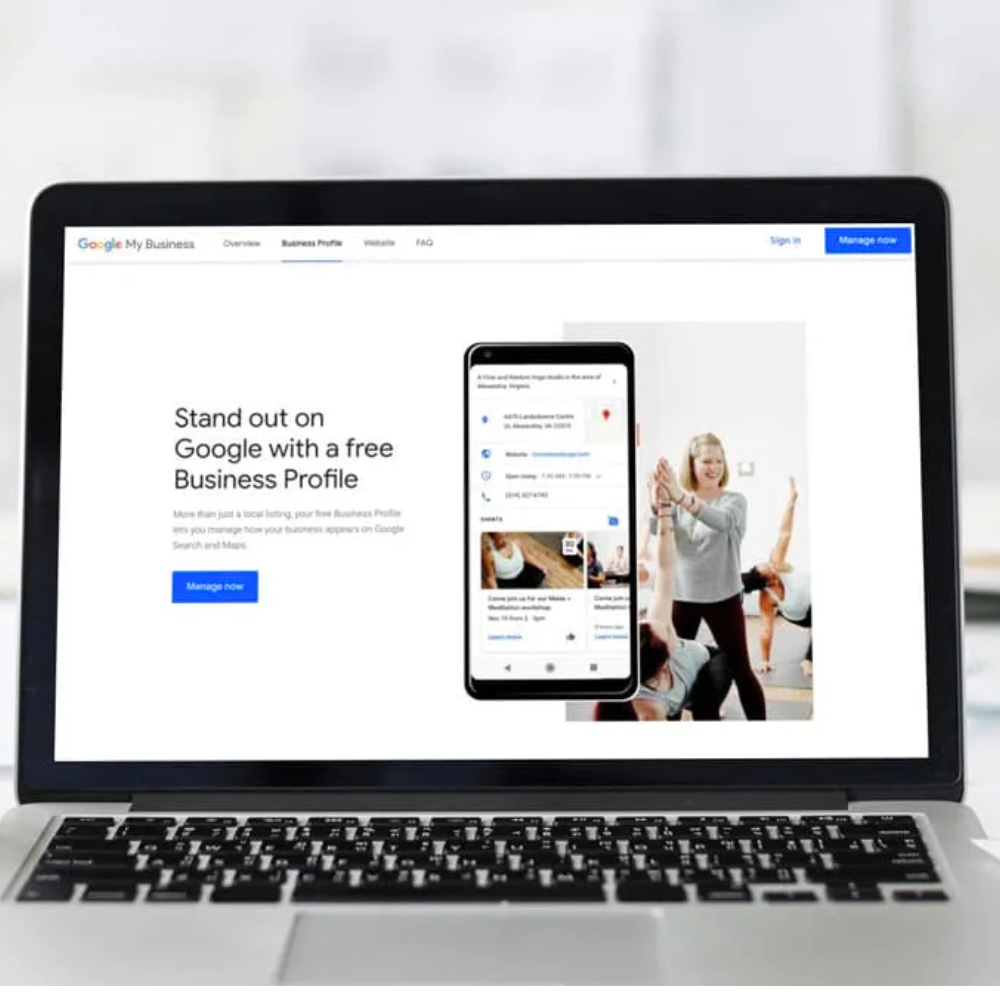
Intro
If you’re not getting leads from your Google Business Profile, it’s not because it doesn’t work — it’s because it’s not optimized.
Most businesses set up their profile, add a few details, and forget about it. Meanwhile, competitors who actively optimize their listings are showing up higher, getting more clicks, and capturing more customers.
The good news is this: small changes can make a big difference.
In this guide, you’ll learn exactly how to optimize your Google Business Profile to improve visibility, build trust, and generate more leads consistently.
Why Your Google Business Profile Matters More Than Ever
Your Google Business Profile (GBP) is often the first thing potential customers see when searching for your services.
It shows up in:
- Google Maps
- Local search results
- “Near me” searches
If your profile is optimized, you show up more often. If it’s not, you get buried.
A strong GBP can:
- Drive calls directly from search
- Increase website clicks
- Build instant credibility
- Help you rank higher locally
It’s not just a listing — it’s a major lead source.
What Happens When Your Profile Isn’t Optimized
An incomplete or poorly managed profile can cost you real business.
Here’s what typically happens:
- You don’t show up in top search results
- Competitors outrank you
- Customers choose businesses with better profiles
- Your listing looks inactive or untrustworthy
Even if you offer better services, your visibility determines whether people ever find you.
Key Elements of a Fully Optimized Google Business Profile
To compete locally, your profile needs to be complete and strategic.
Focus on these core areas:
- Accurate business information (name, address, phone)
- Primary and secondary categories
- Service areas and descriptions
- High-quality photos
- Consistent updates and posts
- Active review management
Every section of your profile plays a role in how Google ranks you.
How to Improve Your Local Rankings on Google
Ranking higher on Google isn’t random — it’s based on relevance, distance, and prominence.
Here’s how to improve each:
- Relevance: Use keywords naturally in your business description and services
- Distance: Set accurate service areas
- Prominence: Build reviews, add content, and stay active
Consistency is key. The more signals you send to Google, the more visibility you gain.
The Power of Reviews (And How to Get More)
Reviews are one of the biggest ranking and conversion factors.
Businesses with more high-quality reviews:
- Rank higher
- Get more clicks
- Build more trust
To get more reviews:
- Ask every happy customer
- Send direct review links
- Follow up after service
- Respond to every review
A strong review strategy alone can dramatically increase your leads.
Why Photos and Updates Matter More Than You Think
Most businesses overlook this — which is why it’s an opportunity.
Adding photos and updates:
- Shows activity to Google
- Builds trust with customers
- Improves engagement
What to post:
- Before/after photos
- Completed work
- Team photos
- Updates or promotions
An active profile signals a healthy, trustworthy business.
Turning Your Google Business Profile Into a Lead Machine
An optimized profile doesn’t just sit there — it works for you.
When done right, your GBP:
- Brings in inbound calls
- Drives traffic to your website
- Converts searchers into customers
The goal isn’t just visibility — it’s action.
Make it easy for customers to:
- Call you
- Visit your site
- Request a quote
Common Google Business Profile Mistakes to Avoid
Avoid these if you want to stay competitive:
- Incomplete profile information
- Choosing the wrong category
- Ignoring reviews
- Not posting updates
- Low-quality or no photos
- Inconsistent business details across platforms
Small mistakes add up — and they cost you visibility.
Final Thoughts
Your Google Business Profile is one of the easiest and most powerful ways to generate local leads.
But it only works if you treat it like an asset — not a one-time setup.
The businesses that show up consistently are the ones that optimize, update, and stay active.
If you do that, your profile can become one of your biggest drivers of growth.
Key Takeaways From This Post:
- Your Google Business Profile is critical for local visibility
- Optimization directly impacts rankings and leads
- Reviews are one of the biggest ranking factors
- Activity (photos, posts, updates) improves performance
- Small changes can lead to major increases in leads

Want More Leads From Your Google Business Profile?
We help businesses optimize their online presence to rank higher, get more calls, and generate consistent leads.